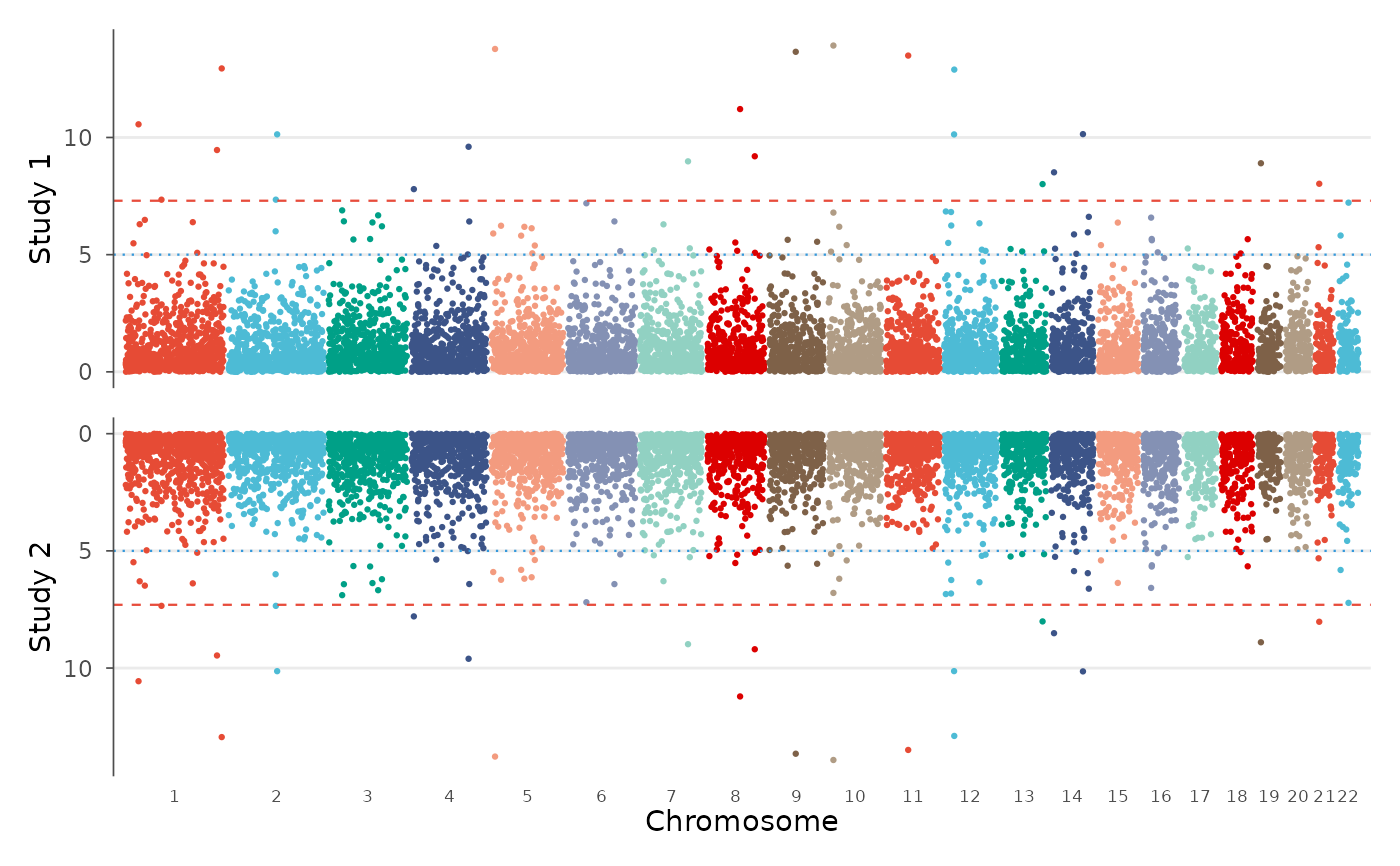
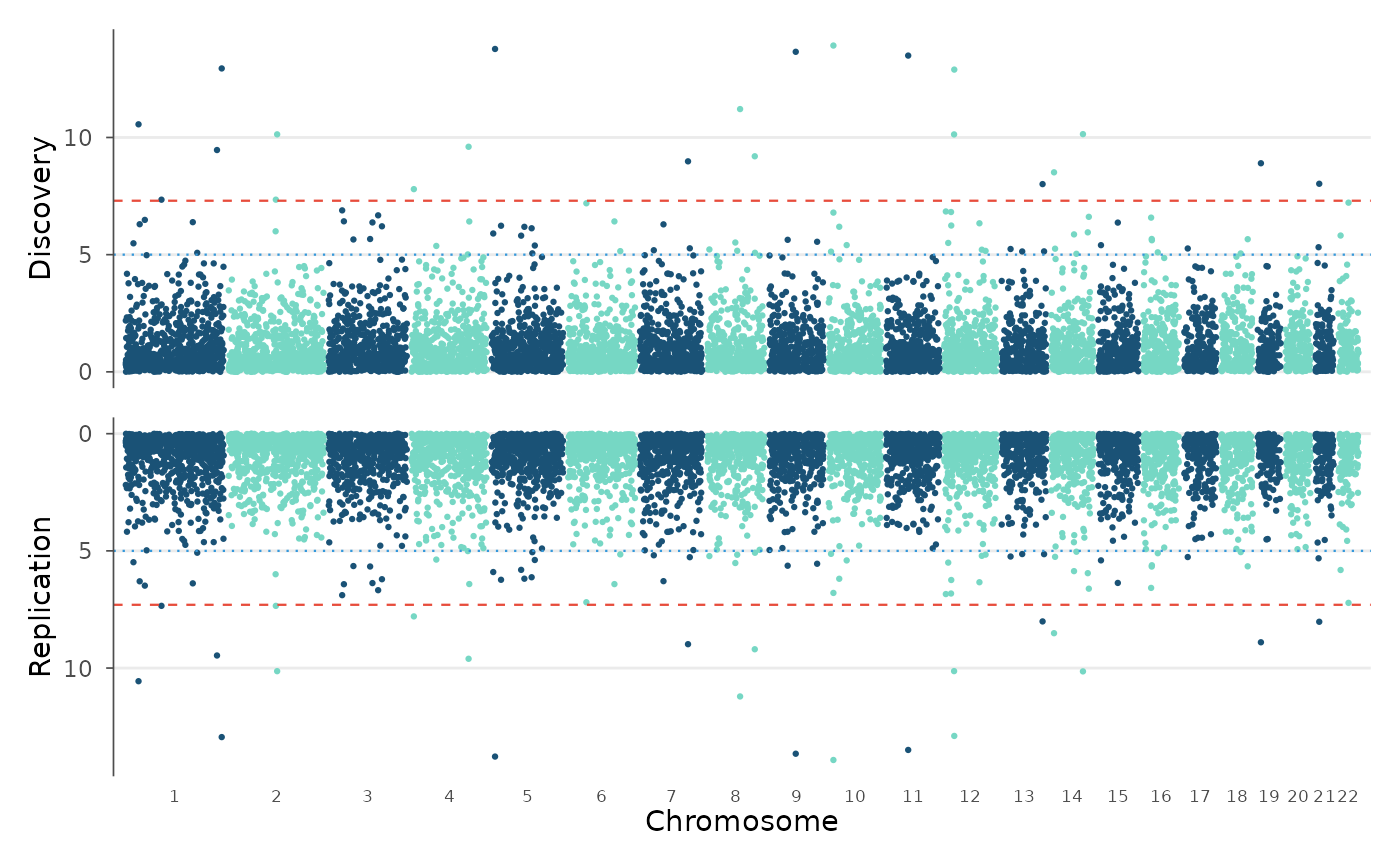
Create a Miami plot showing two GWAS results as mirrored Manhattan plots. The top panel shows one study with -log10(p) going up, and the bottom panel shows another study with -log10(p) going down.
Usage
miami_plot(
  top,
  bottom,
  chr = NULL,
  bp = NULL,
  p = NULL,
  snp = NULL,
  colors = c("#1A5276", "#76D7C4"),
  genome_wide = 5e-08,
  suggestive = 1e-05,
  top_highlight = NULL,
  bottom_highlight = NULL,
  top_label = NULL,
  bottom_label = NULL,
  top_title = NULL,
  bottom_title = NULL,
  downsample = TRUE,
  downsample_n = 2e+05,
  title = NULL
)
Arguments
- top
A
gwas_dataobject or data.frame for the top panel.- bottom
A
gwas_dataobject or data.frame for the bottom panel.- chr, bp, p, snp
Column name overrides.
- colors
Two-color vector for alternating chromosomes.
- genome_wide
Genome-wide significance threshold.
- suggestive
Suggestive significance threshold.
- top_highlight, bottom_highlight
SNP IDs to highlight in each panel.
- top_label, bottom_label
SNP IDs to label in each panel.
- top_title, bottom_title
Y-axis titles for each panel.
- downsample
Enable smart downsampling.
- downsample_n
Target points per panel.
- title
Overall plot title.
Examples
data(example_gwas, package = "ggwas")
# Discovery vs replication
miami_plot(example_gwas, example_gwas,
top_title = "Discovery", bottom_title = "Replication")
 # Different colors
miami_plot(example_gwas, example_gwas,
colors = gwas_palette("nature"),
top_title = "Study 1", bottom_title = "Study 2")
# Different colors
miami_plot(example_gwas, example_gwas,
colors = gwas_palette("nature"),
top_title = "Study 1", bottom_title = "Study 2")